Description

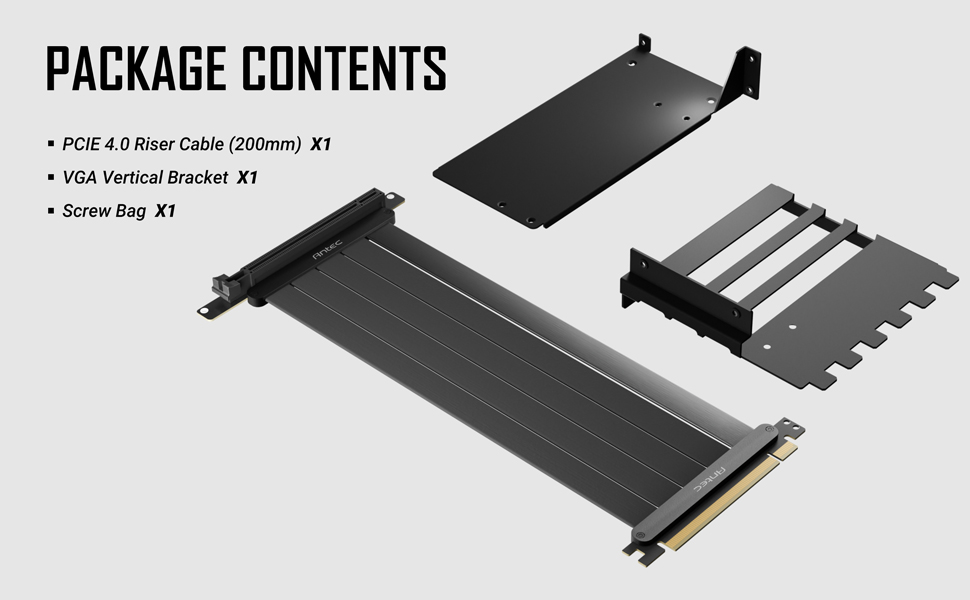
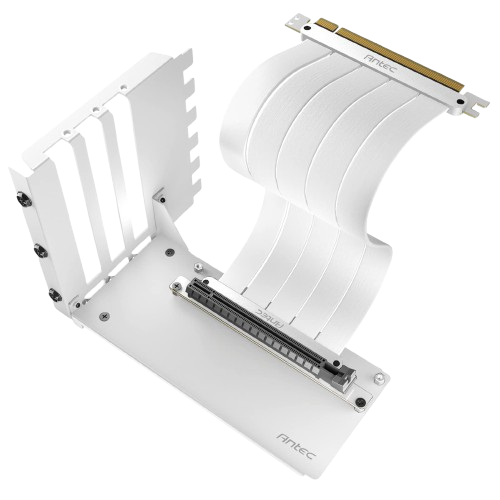
Installation guide
|
|
|
|
|
|---|---|---|---|
1. Remove all PCI slots blank. |
2. Mount the screw of riser cable. |
3. Mount the bracket to the case. |
4. Connect GPU to the riser cable. |




LKR 13,000.00





13,000 LKR

13,000 LKR

13,390 LKR

13,390 LKR

14,040 LKR

14,170 LKR
PAY IN 3 X 4,723.33 LKR|
|
|
|
|
|---|---|---|---|
1. Remove all PCI slots blank. |
2. Mount the screw of riser cable. |
3. Mount the bracket to the case. |
4. Connect GPU to the riser cable. |
| CONDITION |
|---|
Only logged in customers who have purchased this product may leave a review.

Reviews
There are no reviews yet